
Use MoonChip BTCUSD without installing the EA or managing a VPS
Pro gives you access to MoonChip through the copytrade system. The NatheaFX team manages the system and VPS as part of the service.
- check_circleEverything included in Starter
- check_circleMoonChip BTCUSD Copytrade
- check_circleManaged system and VPS
Membership fee
The WhatsApp message is prefilled so the admin can help you faster.
Click the image to enlarge the MoonChip system preview.
What you get with Pro
Pro gives you access to MoonChip through our copytrade system. We manage the system and VPS, so you do not need the EA file or configure parameters yourself.
checklistIncluded in Pro
- check_circleEverything in Starter
- check_circleMoonChip BTCUSD Copytrade
- check_circleVPS-based trading
- check_circleSystem monitoring
- check_circleStrategy, parameter & preset updates
- check_circlePro Community access
do_not_disturb_onYou do not need to
- closeInstall MoonChip.ex5
- closeConfigure EA parameters
- closeManage your own VPS
- closeWatch the EA constantly
Account requirement
A trading account with the designated broker through an affiliate link.
Pro Membership
One fixed membership fee that is no longer tiered by deposit amount.
Registration process
From consultation to activation
The admin checks your needs and account readiness before activating Pro access.
- 1
Contact the admin
Open WhatsApp from a Pro button and complete your planned deposit and broker details.
- 2
Check requirements
The admin explains the designated broker and helps check your trading account.
- 3
Activate Pro
Once the membership is active, the account is connected to the MoonChip BTCUSD Copytrade system.
- 4
Access support
You receive Pro community access, strategy updates, and usage support.
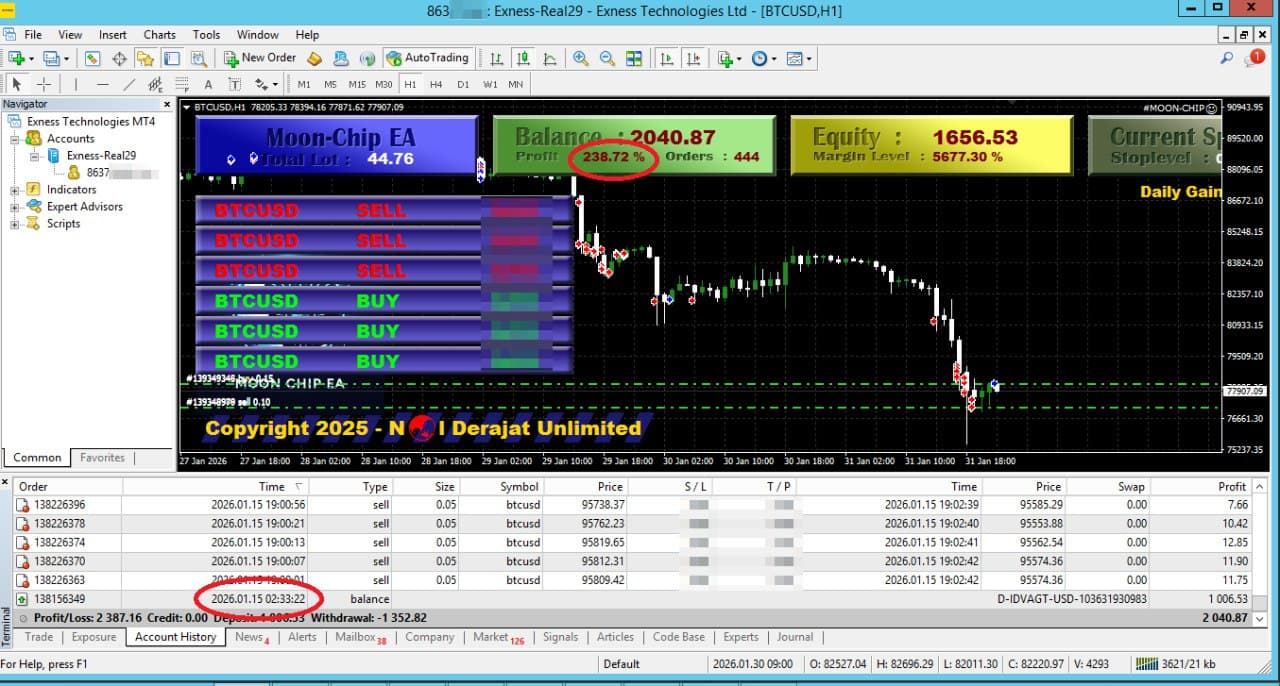
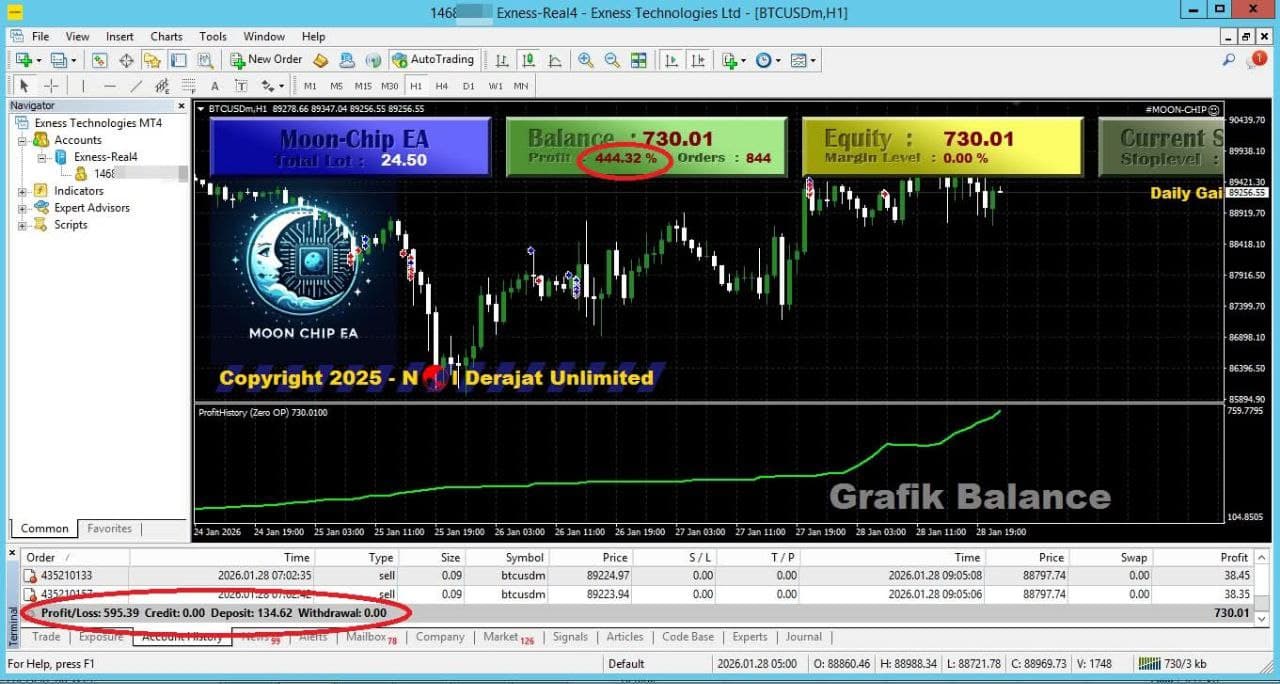
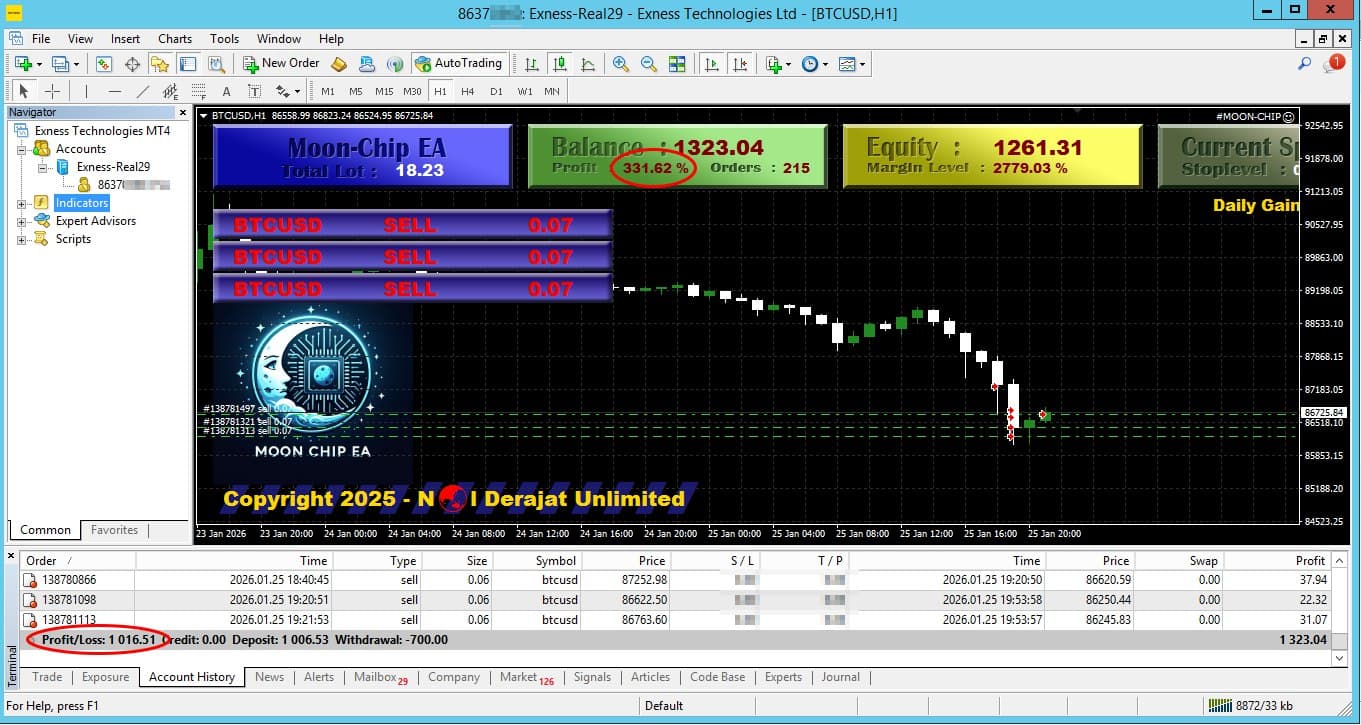
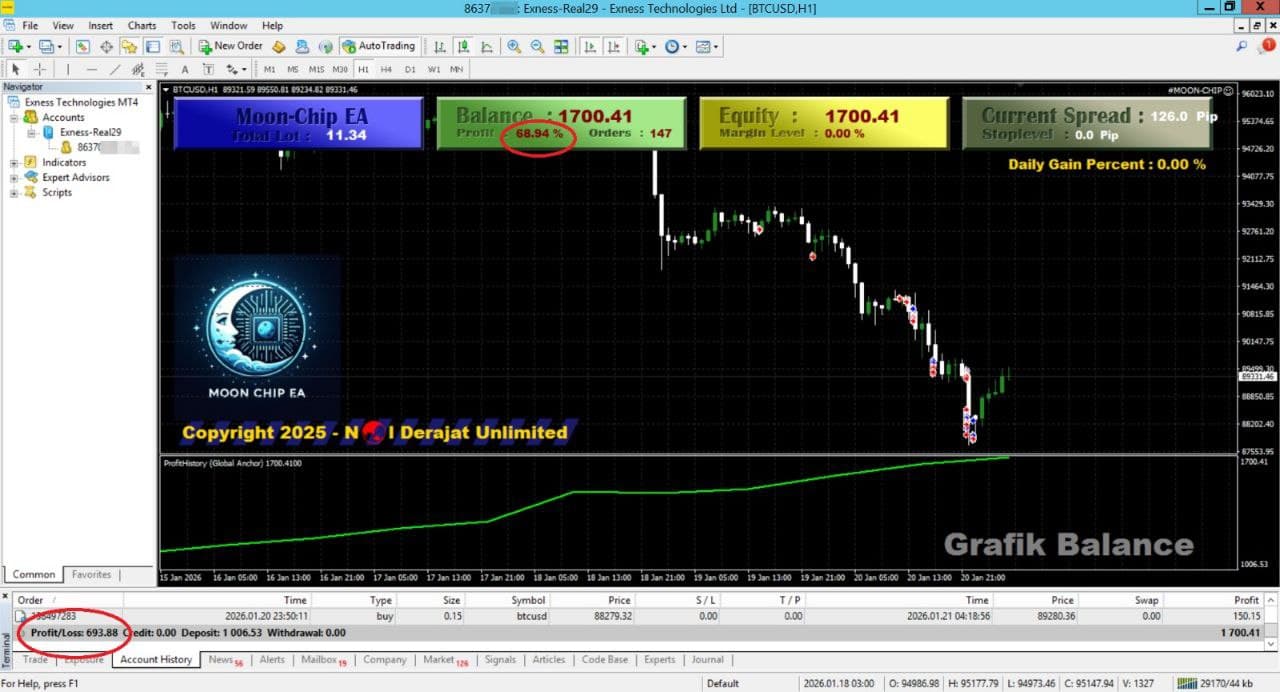
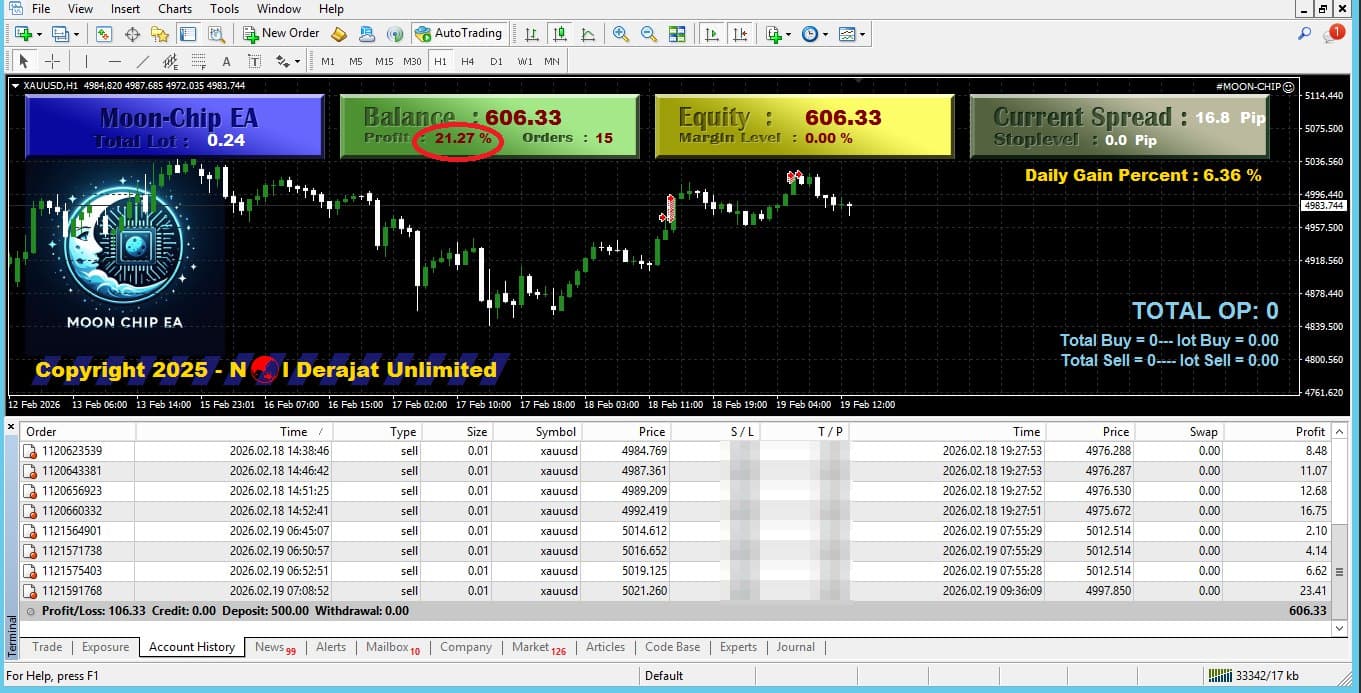
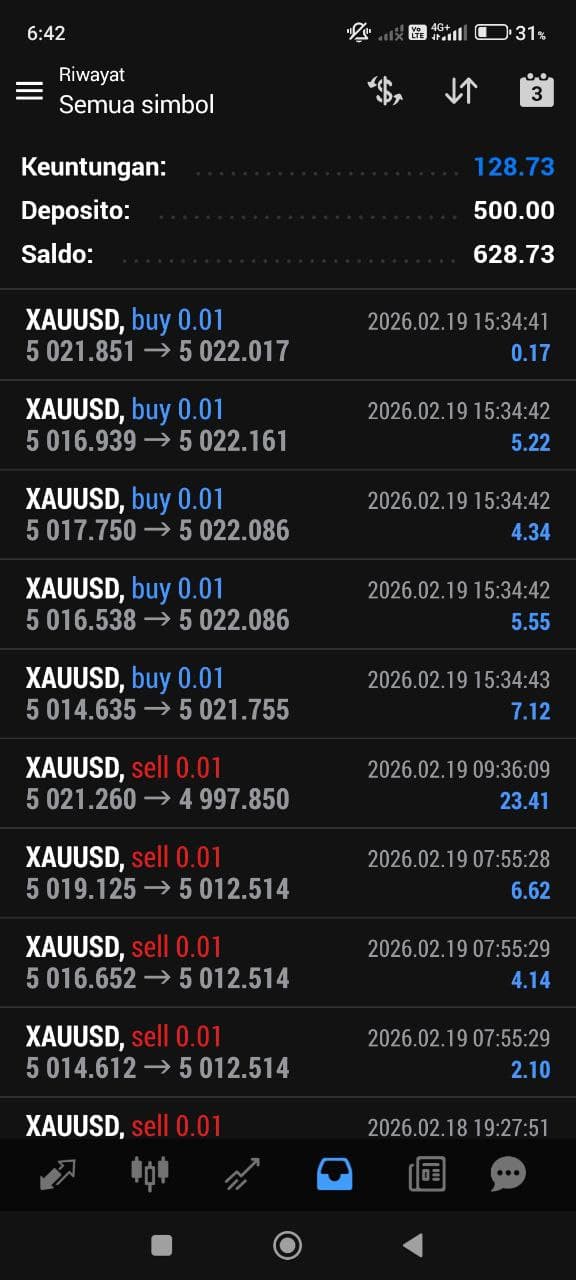
Review MoonChip performance records
Account history can help you assess the system's behavior. Previous performance does not guarantee future results.
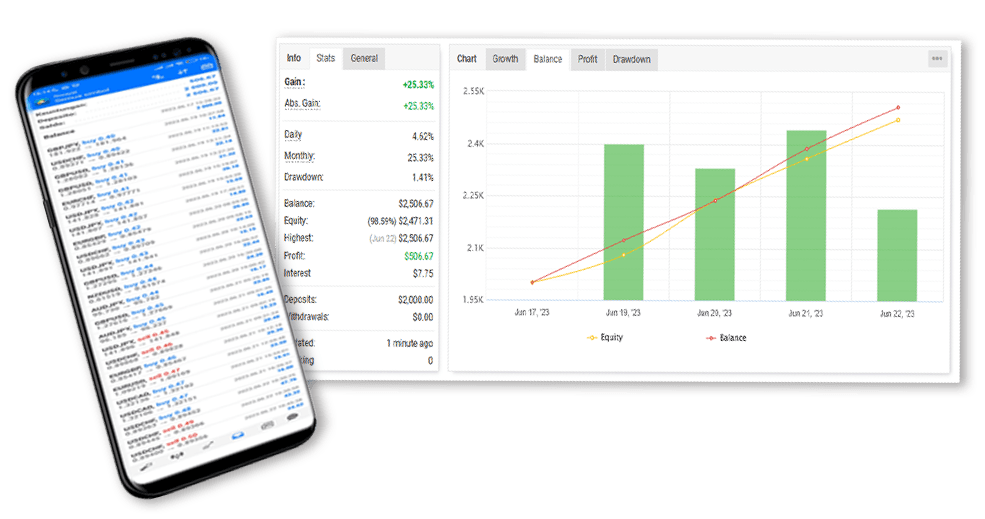
Myfxbook data summary
Review the displayed period, growth, and drawdown before making a decision.
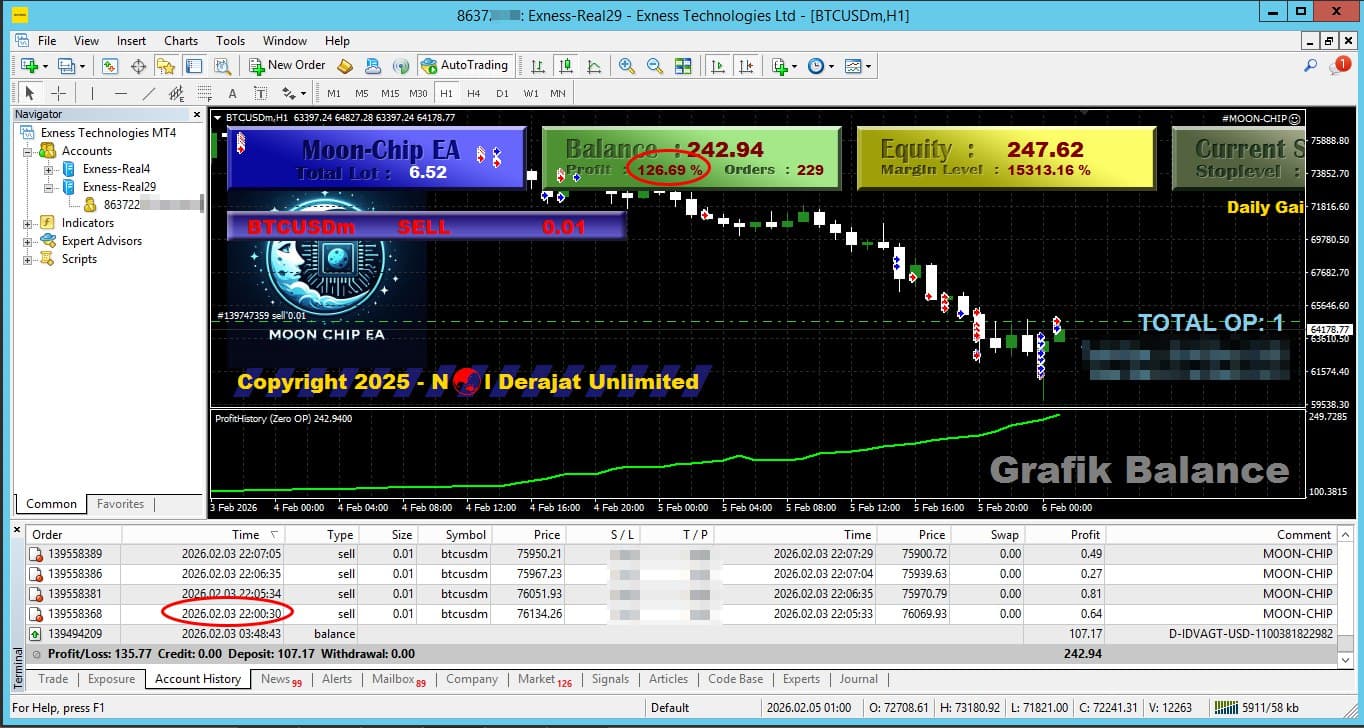
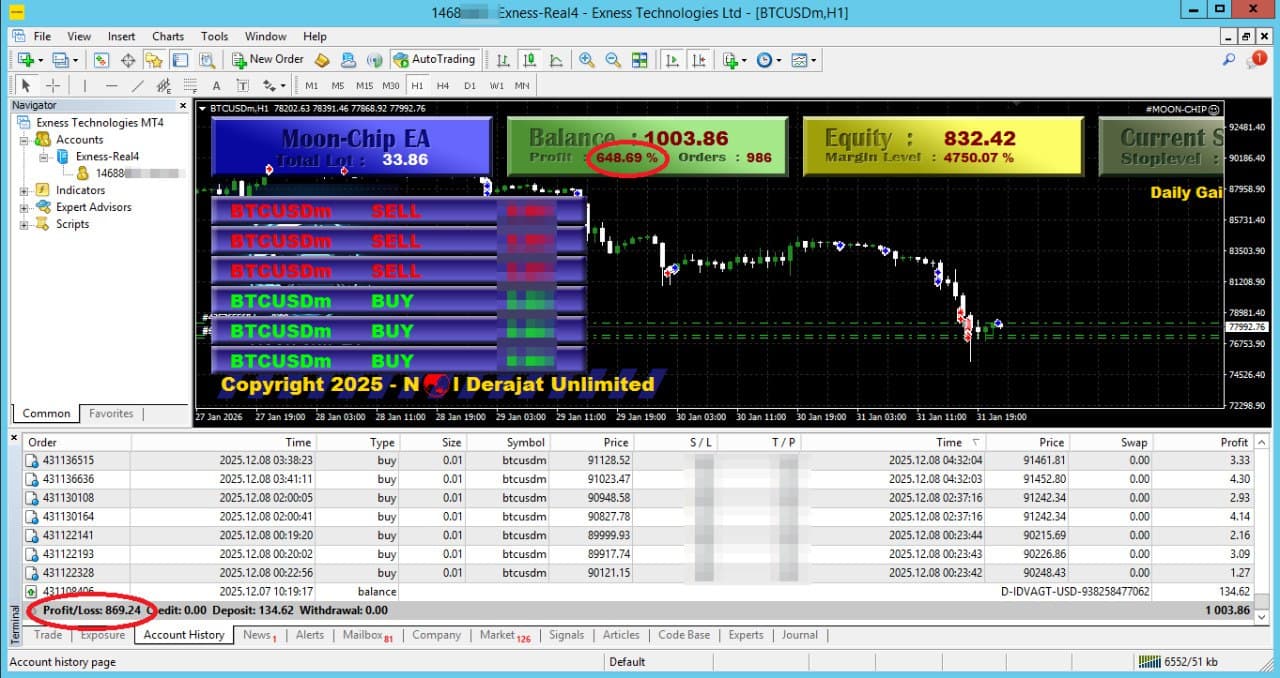
Trading account history
These records show results for the stated period and are not a profit projection.
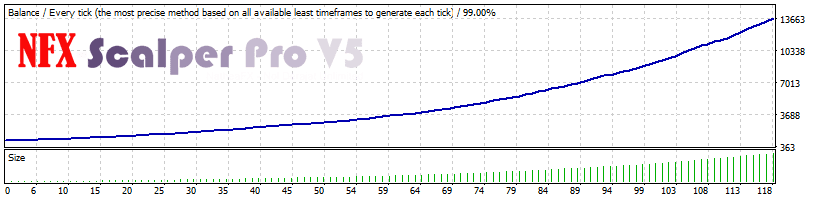
MoonChip results documentation
Membership FAQ
Frequently asked questions
Clear answers about MoonChip access, copytrade, and licensing.
No. Starter focuses on the Custom Indicator, Strategy Template, eBook, tutorials, and supporting material.
No. Pro uses MoonChip through the copytrade system managed by our team.
No. MoonChip runs on a VPS managed by the system.
Yes. Elite grants the right to use MoonChip.ex5 on the registered MT5 account while the membership is active.
No. The license is bound to the registered MT5 account and broker server.
MoonChip usage rights end. The file remains on your device, but the license system prevents it from running until the membership is renewed.
No. Trading involves risk, and no system can guarantee profits. Use money management and a risk level appropriate to your circumstances.
Next step
Check your account readiness with the admin
Share your planned deposit and current broker. The admin will explain the requirements before activation.
Review the risks before joining. Read the risk disclosure